01 · Perspective
See the shape of your time.
Your year72%
263 / 365Next milestone47 days
Autumn tripYear and lifetime views turn passing days into one calm, useful picture.
Available for iPhone and Apple Watch
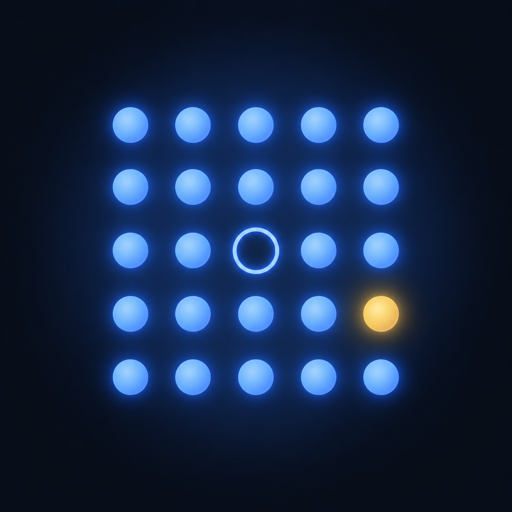
Weeklight makes a year—or a lifetime—visible, then keeps your habits, plans, prayer moments, and next meaningful event in the same calm view.
Requires iOS 18 or later. Apple Watch features require watchOS 11 or later.
Feature previews
Swipe through Weeklight’s core experiences—from perspective and follow-through to prayer, plans, widgets, Watch, and Lock Screen.
Year and lifetime views turn passing days into one calm, useful picture.
Plan habits and to-dos, then see when you actually completed them.
Optional, configurable timing and logging that fits naturally beside the day.
Keep milestones and travel visible without letting them take over your day.
Widgets, Apple Watch, and Lock Screen Studio keep the right detail close.
Product information
Made for real days
Official listing copy
The fields below are production-ready and stay within Apple’s character limits.
See the time that matters
Turn a year—or a lifetime—into a calm, useful view with habits, plans, prayer timing, widgets, Apple Watch, and a private Lock Screen timeline.
life calendar,year progress,habits,todo,milestones,travel,prayer times,wallpaper,widgets,watch
Weeklight makes time visible without making life feel like a score. See the year or your whole life as a calm field of dots, then keep the habits, tasks, milestones, travel plans, and prayer moments that matter beside it. PLAN WITH PERSPECTIVE • Year and lifetime timelines • A compact 15 × 25 dot system • Light, dark, midnight, and monochrome themes • Reorder dashboard sections and list items FOLLOW THROUGH • Habits with selected weekdays, reminders, and completion history • To-dos with start and finish times • Actual completion-time logging • Milestones and travel plans with timeline colors OPTIONAL PRAYER SUPPORT • Current and 30-day prayer schedules • Calculation method, madhab, offsets, and travel settings • Required and optional prayer logging with history • Prayer information on widgets, Watch, and wallpaper when enabled YOUR TIME, WHERE YOU LOOK • Useful iPhone widgets • Apple Watch companion and complications • Lock Screen Studio with a crisp, no-blur timeline • Keep the Home Screen unchanged or use a solid color PRIVATE BY DESIGN No Weeklight account is required. Weeklight works locally, and optional sync uses your private iCloud database. You can disable sync, delete the cloud copy, or reset local data whenever you choose.
Welcome to Weeklight. • See your year or lifetime as a clear dot timeline • Plan and track habits, to-dos, milestones, and travel • View optional prayer timings and completion history • Keep perspective close with widgets and Apple Watch • Create a crisp Lock Screen timeline in Studio • Sync eligible data privately through your iCloud account
No Weeklight account is required. Your personal entries stay on your devices, and optional sync uses your private iCloud database—not a Weeklight-hosted profile.
Download the official 1024 × 1024 Weeklight app icon for App Store records, press references, and approved product listings.
Download app iconWeeklight for iPhone and Apple Watch
Download Weeklight, or use the support and privacy links below for App Store review and customer care.