Life in focus
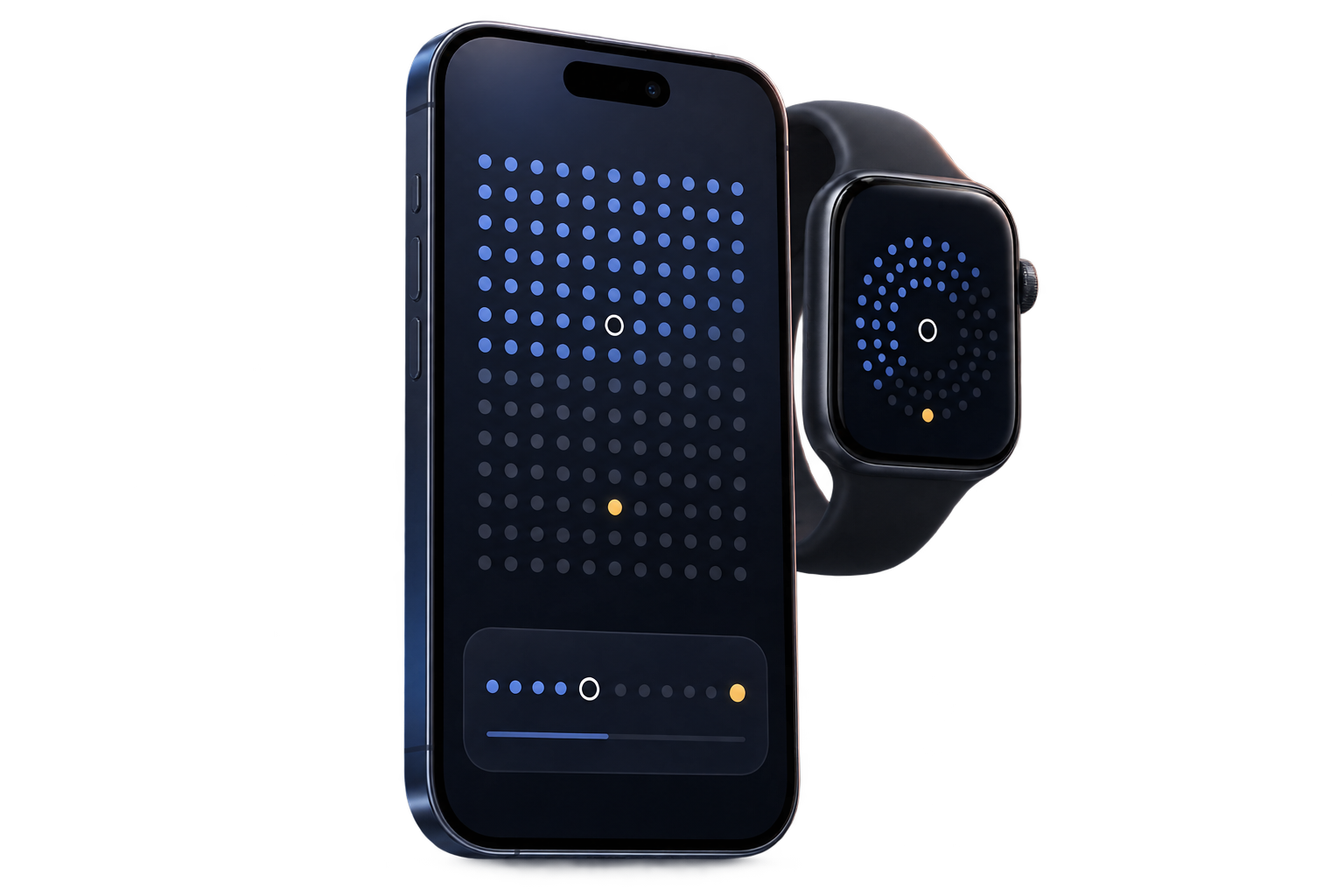
See a lifetime, year, or month as a calm field of dots—complete, current, and still ahead.
A quieter way to see time
Weeklight turns time into perspective—then connects that perspective to the habits, plans, prayers, and people that give it meaning.
Perspective, not pressure
Every dot is small. Together they make the shape of a year—or a life. Weeklight helps you notice that shape without turning your time into a score.
Built around real life
Useful when you open it. Useful when you don’t.
See a lifetime, year, or month as a calm field of dots—complete, current, and still ahead.
Keep habits, to-dos, milestones, and travel plans close to the timeline they belong to.
Optional prayer timings, reminders, history, Jumu’ah choices, travel adjustments, and Watch access.
Generate a crisp themed timeline while keeping the Home Screen unchanged or setting it to a solid color.
No Weeklight account. Optional sync uses your private iCloud database, with controls to disable or delete it.
Widgets and an Apple Watch companion keep the next useful moment visible without opening the full app.
Looks like your time
Choose a theme for the app, timeline, widgets, and generated Lock Screen. Prefer less color? Keep it monochrome.
Beyond the app
See progress, the next milestone or travel plan, and optional prayer timings on widgets and Apple Watch. Create a Lock Screen timeline in Studio and update it through the Weeklight Shortcut.
Private by design
Private iCloud sync
No separate account
iPhone + Apple Watch
Local-first by default
Weeklight does not require a Weeklight account or host your personal history on its own servers. If you enable sync, eligible app data is stored in your private iCloud database.
Weeklight for iPhone and Apple Watch
Requires iOS 18 or later. Apple Watch features require watchOS 11 or later.
View on the App Store ↗